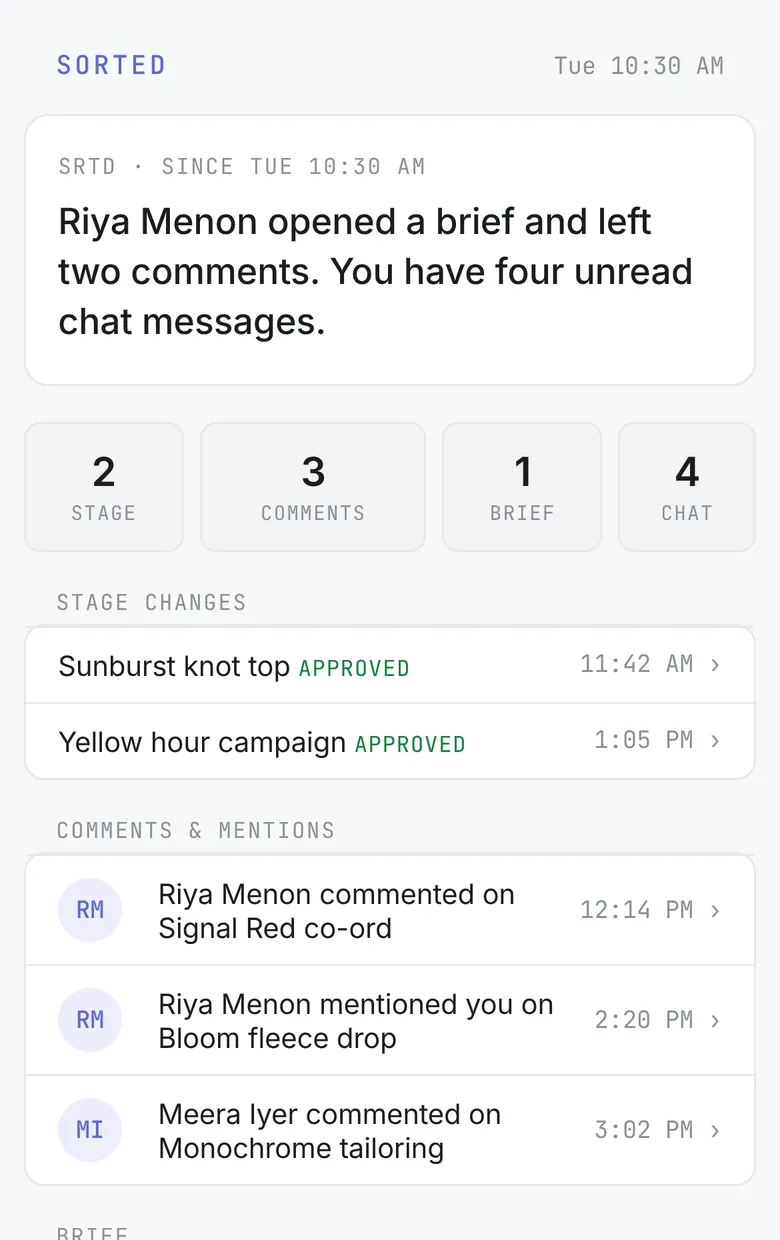
Chat
“Who’s doing what?” It’s in the top bar.
The top bar keeps count of everything open in the chat: the plan, posts in review, briefs, commitments. Plus reminders, tasks, voice notes as text, and scheduled sends.
Approvals, feedback and files get buried in group chats that never switch off. Sorted gives each client one workspace, so WhatsApp goes back to being WhatsApp.
The three jobs WhatsApp was never built to do.
The top bar keeps count of everything open in the chat: the plan, posts in review, briefs, commitments. Plus reminders, tasks, voice notes as text, and scheduled sends.
Share the plan into the chat. Your client ticks each post and idea, and the chat's top bar keeps the count.
Pin a comment right on the photo, numbered. Your client approves the post from the chat with a confirm step. One post at a time, never in bulk.
Every photo, lookbook and campaign deck for the client in one place. Photos and PDFs open right inside Sorted.
Your client writes the brief in Sorted, photos and all. It stays exactly as written: Open while you work on it, Closed when it’s done.
Set up a client in two minutes. Invite them with a link.
Free. Faster than finding that one voice note.Four arguments you’ll never have again.
Every social media post in Sorted carries its own approval: who said yes, to what, and when. No scrolling up a group to prove it. No screenshots as evidence.
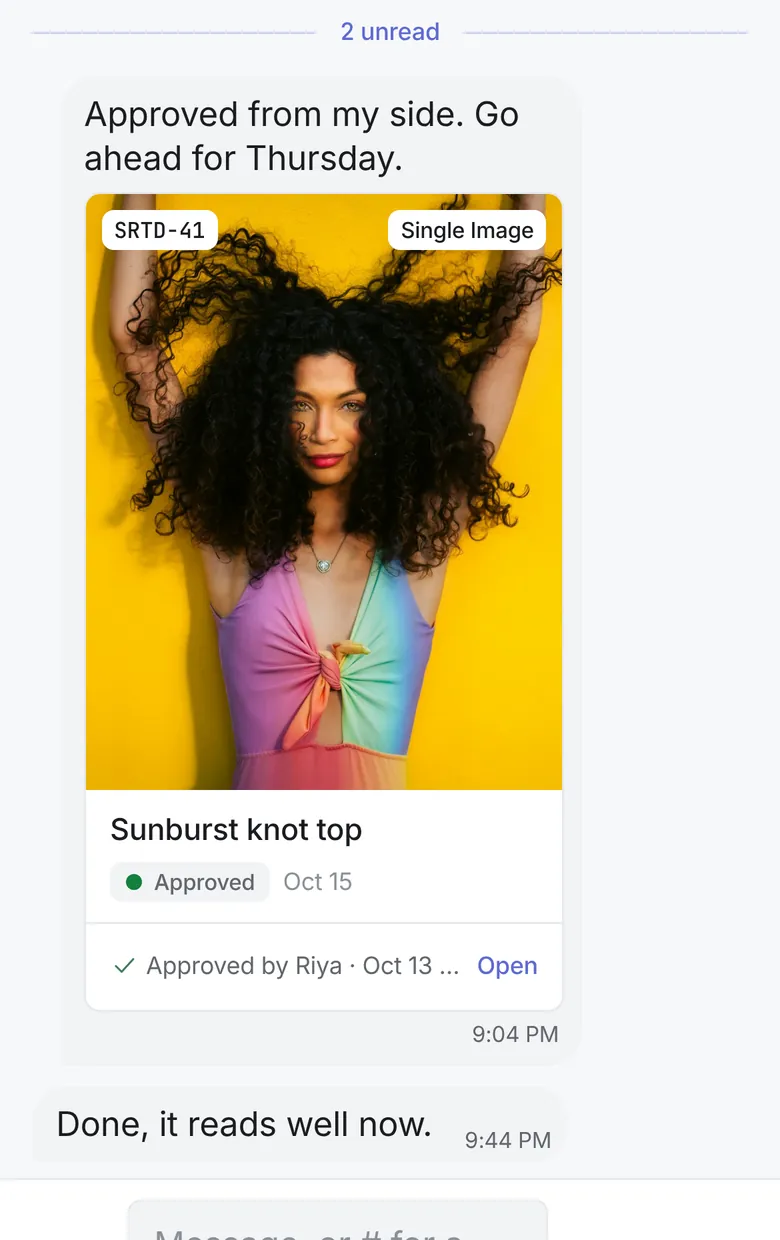
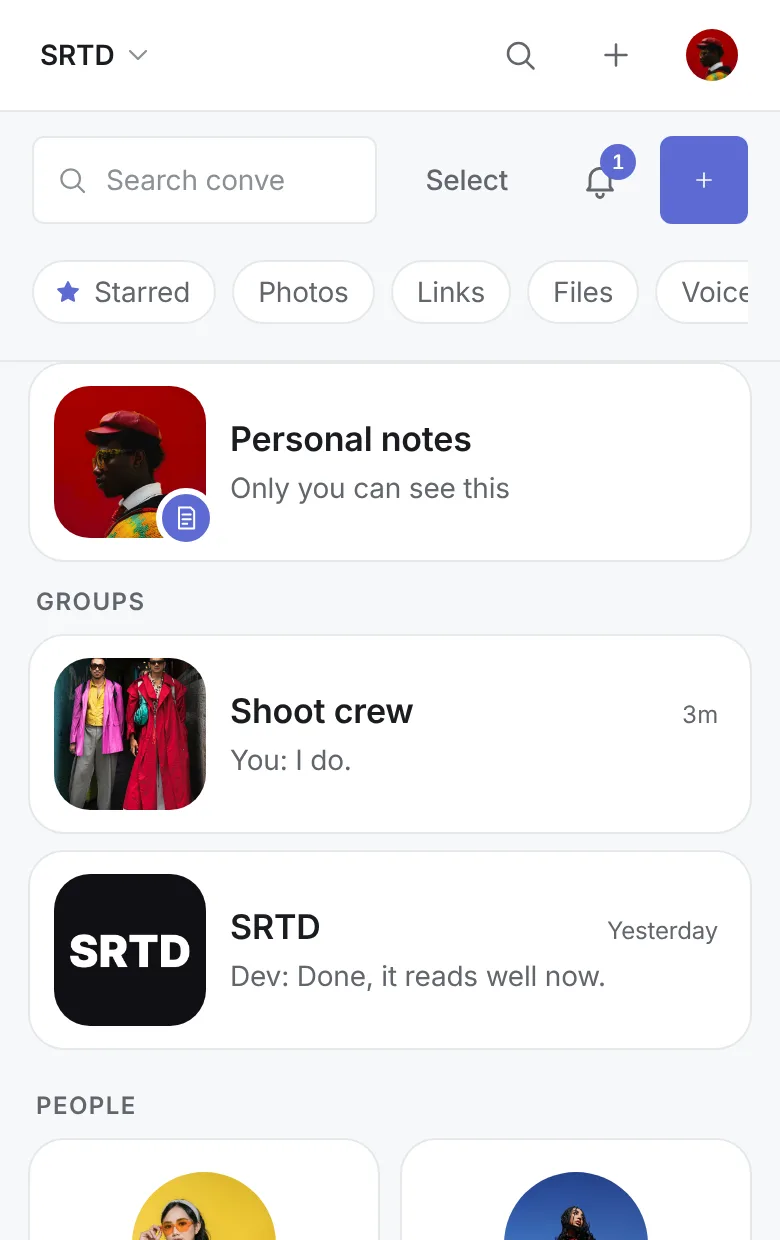
Client feedback, files and “is this final?” live in Sorted. Not between dinner plans and your bank's OTPs. Your phone is yours again after work.
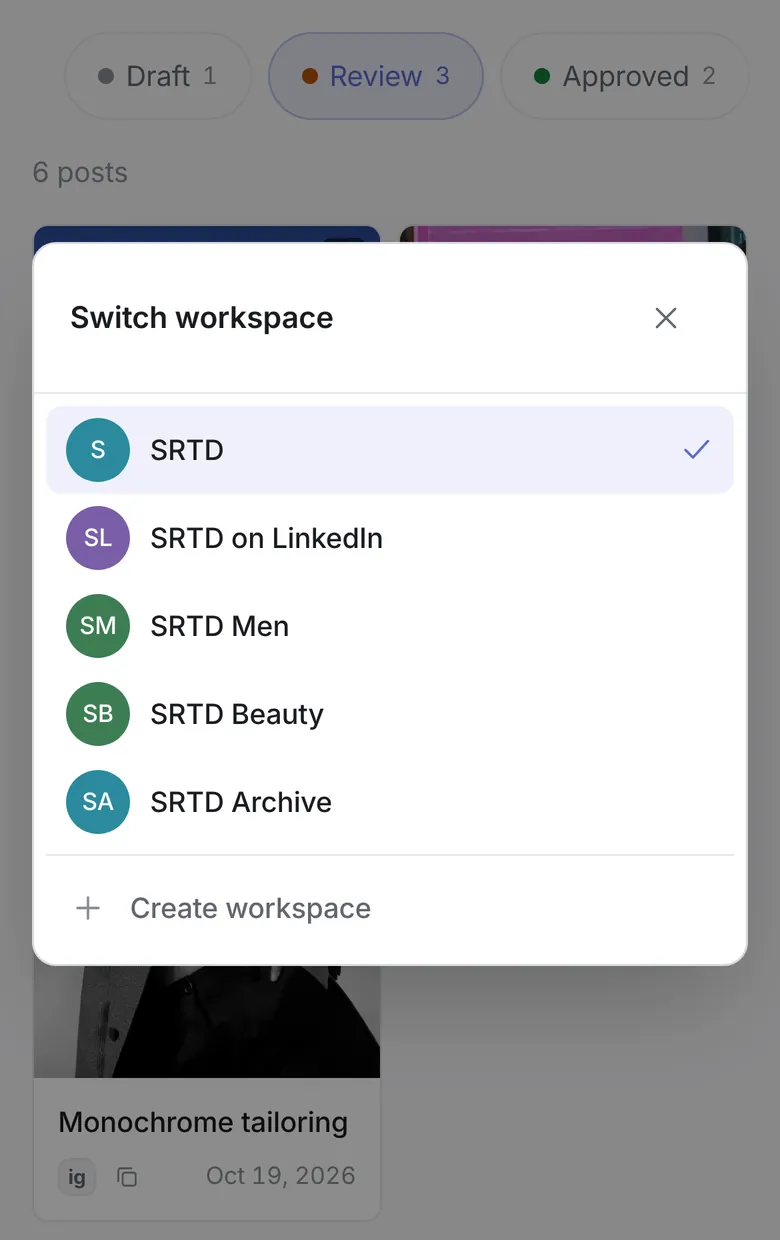
Each client gets a workspace for their social media posts, briefs, files and chat. Switching clients is one tap, not a scroll through forty groups.
At 10:30 and 3:30 on weekdays, one email tells you what moved while you were away: approvals, comments, briefs, chats. Every line opens the right screen. Nothing new, no email.